
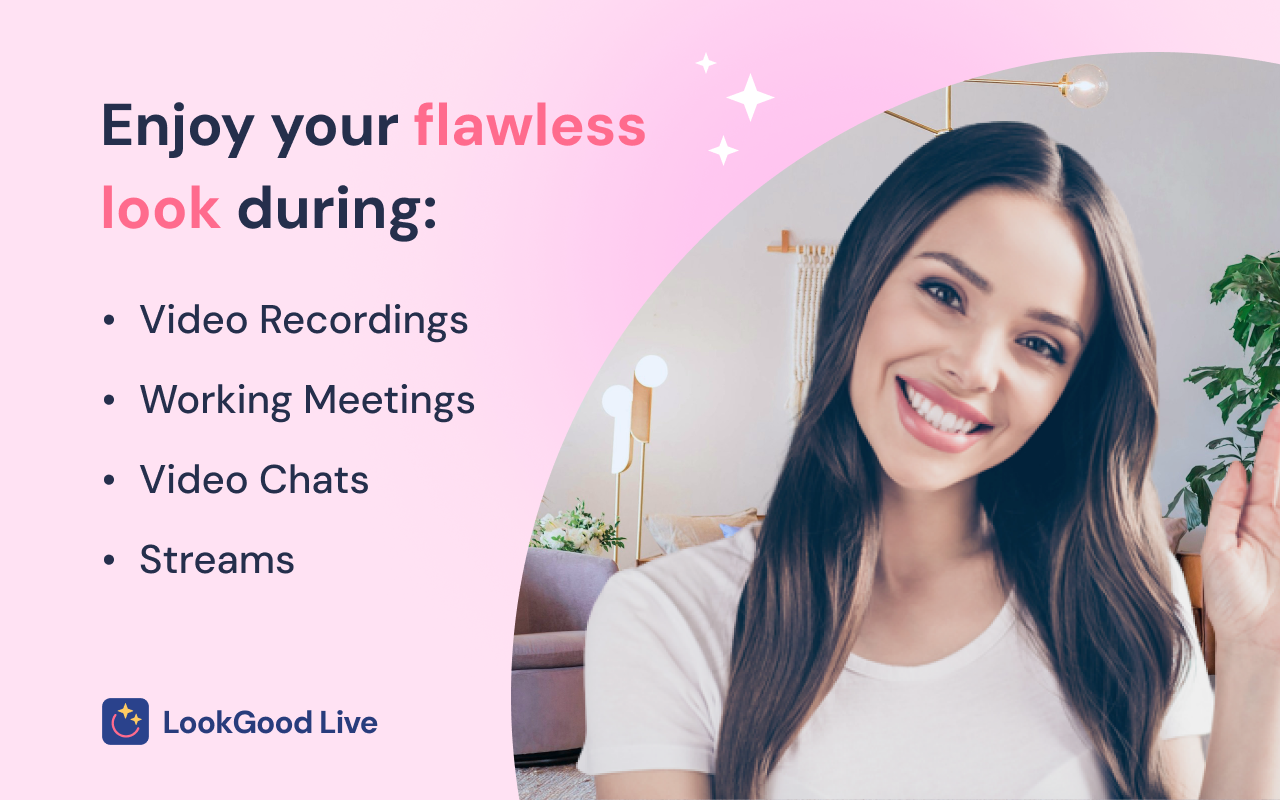
The Best App to Enhance Your Look on Video Calls and Streams
✨ Fine-tune your video presence with 6 powerful AI filters. Enhance your on-camera appearance instantly with LookGood Live
- Smooth Skin: softens wrinkles, blemishes, and other skin imperfections.
- Video Sharpening: sharpens the image for improved clarity and detail.
- Portrait Lighting: adds light to the portrait area and subtly darkens the background to create depth.
- Light Correction: enhances lighting to brighten your video, even in dark or low-light settings.
- Blur Background: keeps the focus on you, not your surroundings.
- Install the LookGood Live extension from the Chrome Web Store.
- Open a video call or stream (on any website that uses your camera).
- Open the extension from your browser toolbar.
- Grant the extension permission to access your camera.
- Adjust the filter intensity to achieve your ideal look.
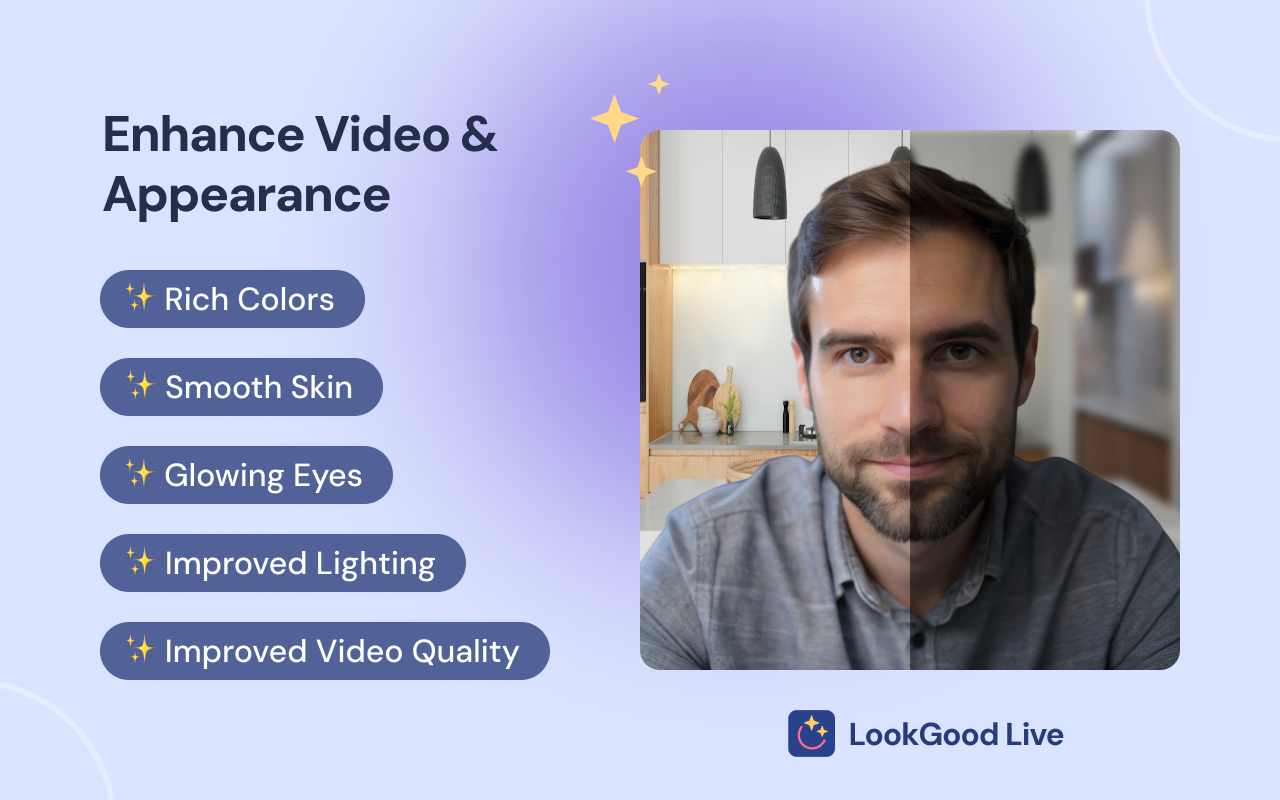
🔥 Enjoy your perfect look on every video call, meeting, or stream!
🌐 Share with your team and friends and enjoy beauty communication together!
 AI Webcam Effects
Improves camera quality, adds 15+ visual effects and filters and allows screen or live video recording
 Help Me Write AI
Automate work with LLMs using configurable contexts, prompts, and recipes
 Noise Cancelling App
AI mic noise cancellation for calls, streams, and recording. Share with friends to enjoy clear sound in every conversation!
Excellent! I use it in Meet and Zoom. It works great, and you can even blur the background. The only thing missing is an on/off button so I can compare before and after.

It works! First, make sure your main camera is up and running. Then, click the beauty filters menu (make sure its active in your toolbar) and it activates. It works perfectly fine

it definitely works with Teams web meetings. took me a minute to adjust filters .

I kinda had doubts about it after reading reviews, but fortunately it works great with Google Meet and I really like how it improves the whole picture.
